Get the mobile app
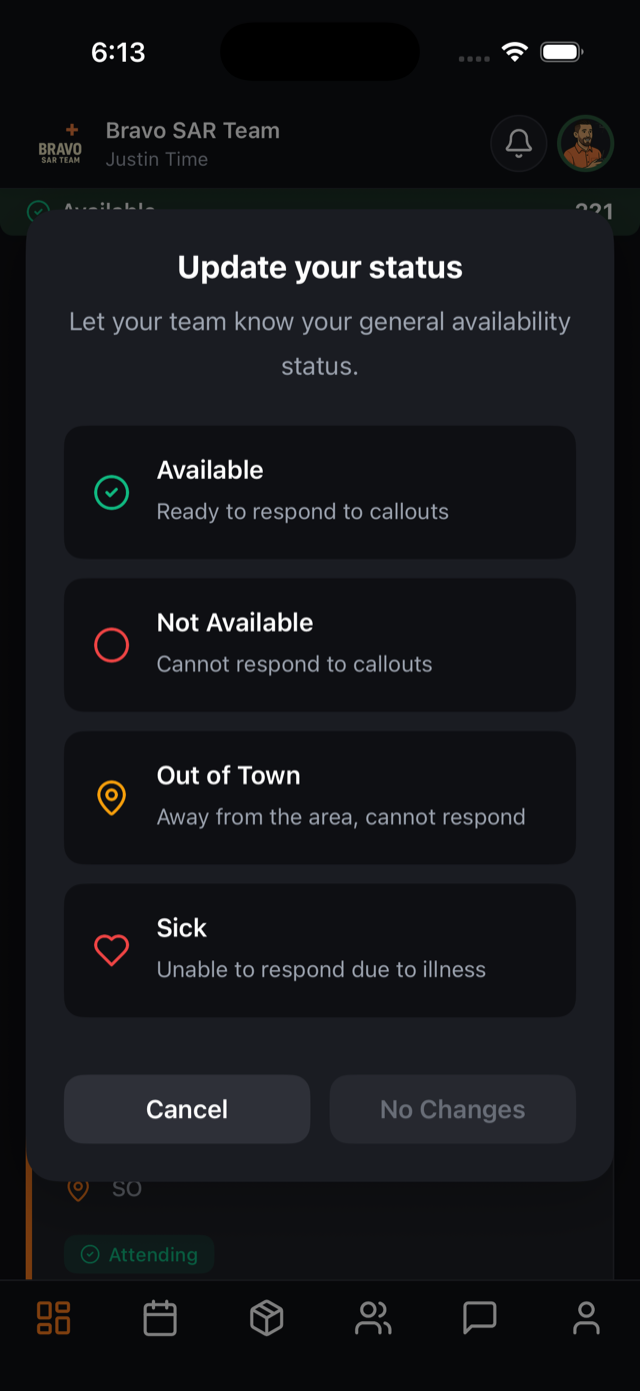
Every member should install the SAR21 mobile app — it’s how critical callout alerts break through Do Not Disturb, and the whole team stays one tap away.
About 3 minutesStep 22 of 23 in team setup
Install and sign in
The SAR21 app is on the App Store (iOS) and Google Play (Android). Members sign in with the same email and password they set when accepting your invitation — no extra setup.
On first launch, the app asks for notification permission. This is the important one: allow it, and enable Critical Alerts when prompted so callouts sound even in silent mode.
Everything, pocket-sized
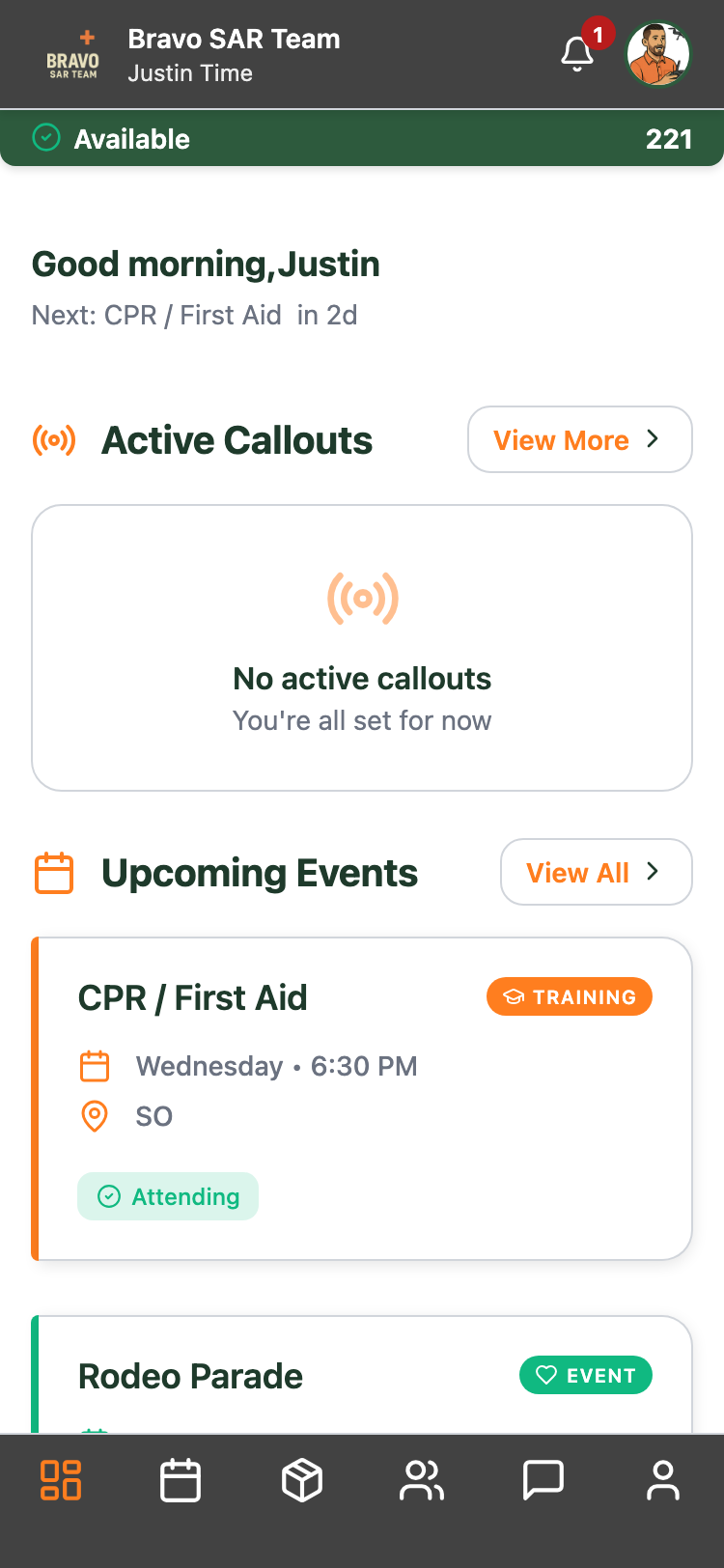
The mobile dashboard mirrors the web app: active callouts, upcoming trainings and events, and one-tap status updates so the team always knows who’s available. The calendar tab covers every training, event, and meeting with RSVP built in.
Respond from anywhere
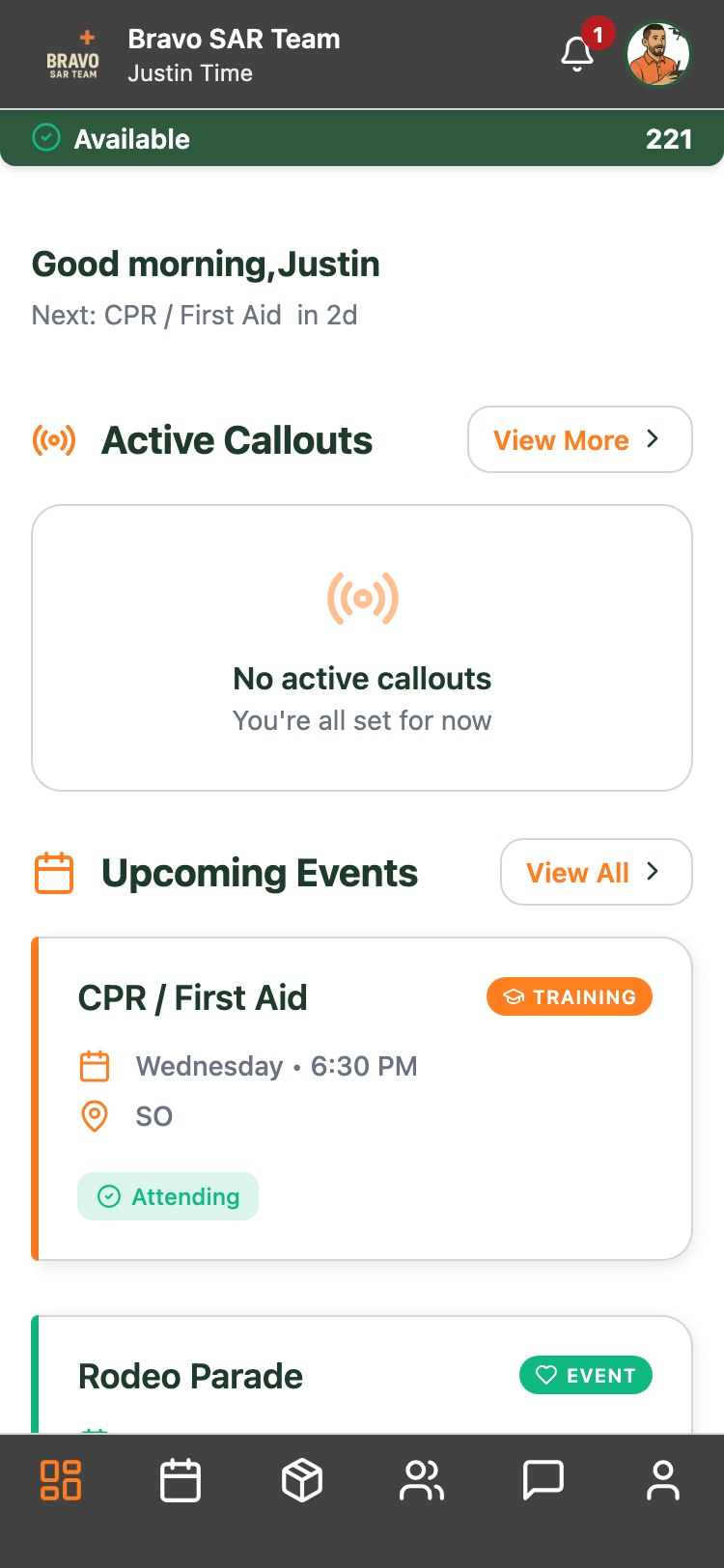
When a callout goes out, members respond straight from the alert — Responding with an ETA, Standby, or Not Responding — and command sees it instantly. Status updates, team chat, equipment, and posts are all there too.